Javascript tooltips libraries in 2022: 10 popular choices

There are many Javascript tooltips libraries available. In this article, we will look at 10 popular Javascript tooltips libraries that you can use to add tooltips functionality to your web applications.
Tippy.js
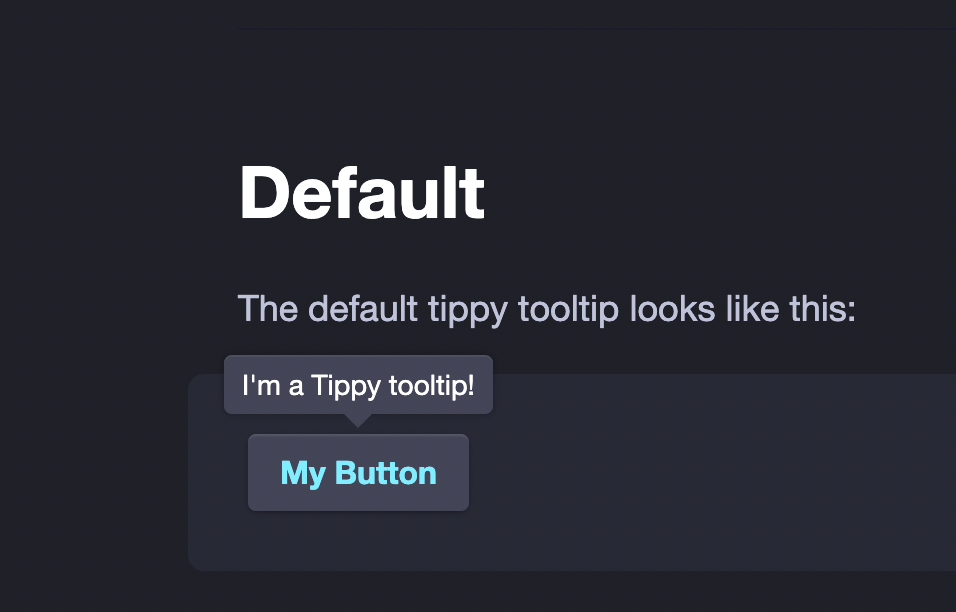
Tippy.js{:target="_blank"} is a lightweight, pure JavaScript tooltip and popover library that is highly customizable and flexible. It is free, fully open source, and makes it easy for you to handle tooltips on your website. It’s meant to look good by default, and is highly customizable.
Popper.js
Popper.js{:target="_blank"} is a lightweight, pure JavaScript tooltip library that is highly customizable and flexible. It is free, fully open source, and makes it easy for you to handle tooltips on your website. It’s meant to look good by default, and is highly customizable.
import { createPopper } from '@popperjs/core';
const popcorn = document.querySelector('#popcorn');
const tooltip = document.querySelector('#tooltip');
createPopper(popcorn, tooltip, {
  placement: 'bottom-end',
});
Opentip
Opentip{:target="_blank"} is a lightweight, pure JavaScript tooltip library that is highly customizable and flexible. It is free, fully open source, and makes it easy for you to handle tooltips on your website. It’s meant to look good by default, and is highly customizable.
QTip2
QTip2{:target="_blank"} is a lightweight, pure JavaScript tooltip library that is highly customizable and flexible. It is free, fully open source, and makes it easy for you to handle tooltips on your website. It’s meant to look good by default, and is highly customizable.
Simptip
Simptip{:target="_blank"} is css based tooltip library.
hint.css
hint.css{:target="_blank"} is written as a pure CSS resource using which you can create cool accessible tooltips for your web app. It does not rely on JavaScript but rather uses aria-label/data- attribute*, pseudo elements, content property and CSS3 transitions to create the tooltips. Also it uses BEM naming convention particularly for the modifiers
tether
tether{:target="_blank"} is a small, focused JavaScript library for defining and managing the position of user interface (UI) elements in relation to one another on a web page. It is a tool for web developers building features that require certain UI elements to be precisely positioned based on the location of another UI element.
React Popper
React Popper{:target="_blank"} is the official React wrapper to let you use Popper JS in your React projects. If you are looking for a tooltip library for React, this is the one you should use.
html5tooltipsjs
html5tooltipsjs{:target="_blank"}is written in pure JavaScript, with smooth 3D animation implemented in CSS. No framework required.Github{:target="_blank"}
PowerTip
PowerTip{:target="_blank"} is a jQuery plugin that provides a simple, flexible, and highly customizable tooltip system for your web applications. It is a lightweight, pure JavaScript tooltip library that is highly customizable and flexible.





You may also like
See all Web DevHow to download the data from URL using Javascript

Comparing two array in javascript
Background sound for older version of mac os