
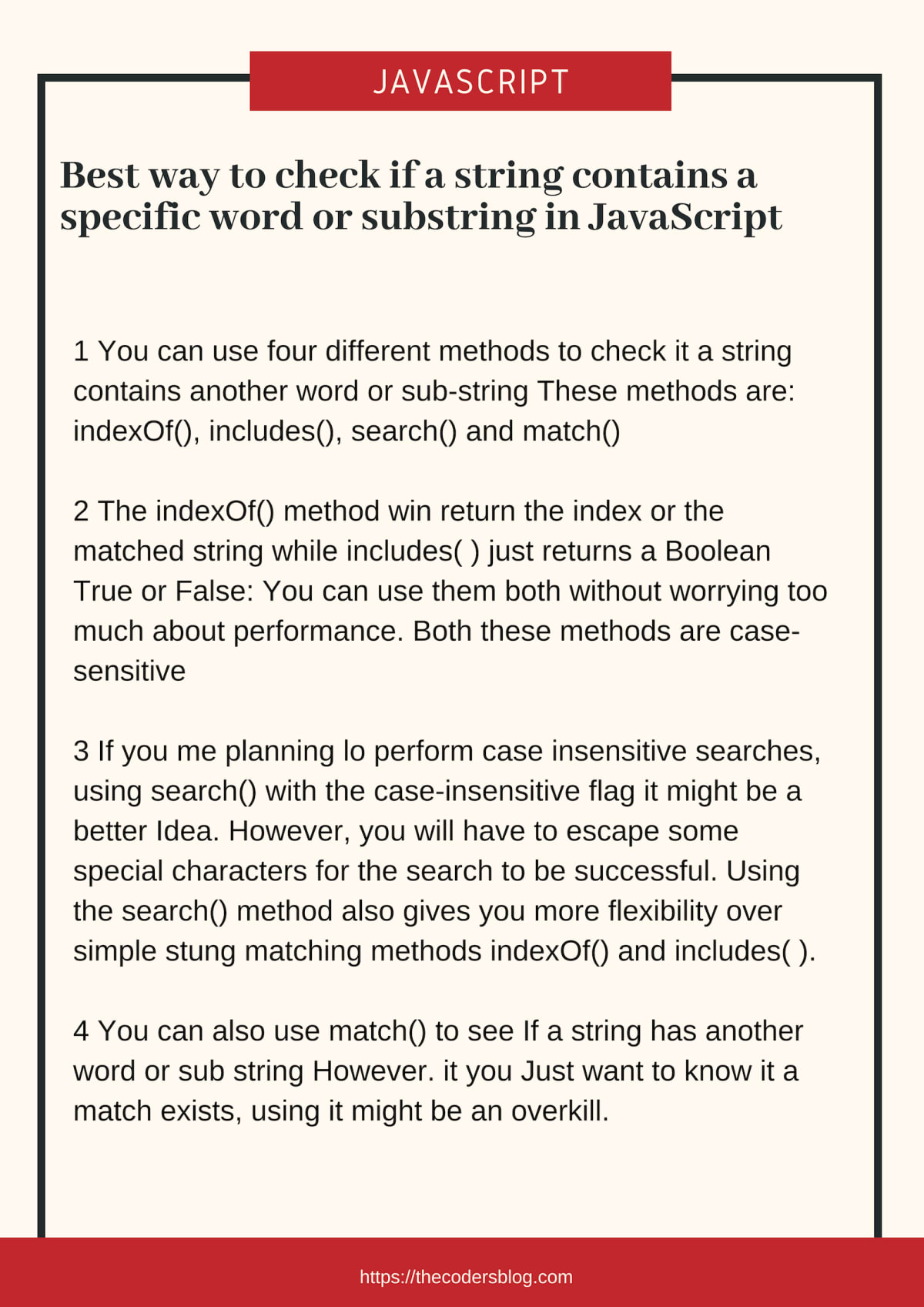
Best way to check if a string contains a specific word or substring in JavaScript

In this article, we will discuss the best way to check if a string contains a specific word or substring in JavaScript. We will also discuss the different ways to check if a string contains a specific word or substring in JavaScript.
You can save a picture for quick reference
Includes
In JavaScript, we can use the includes() method to check if a string contains a specific word or substring. The includes() method returns true if the string contains the specified substring, otherwise it returns false.
const str = 'The quick brown fox jumps over the lazy dog.';
console.log(str.includes('fox'));
// expected output: true
indexOf
We can also use the indexOf() method to check if a string contains a specific word or substring. The indexOf() method returns the index of the first occurrence of a specified value in a string. If the value is not found, it returns -1.
const str = 'The quick brown fox jumps over the lazy dog.';
console.log(str.indexOf('fox'));
// expected output: 16
match
We can also use the match() method to check if a string contains a specific word or substring. The match() method searches a string for a match against a regular expression, and returns the matches, as an Array object.
const str = 'The quick brown fox jumps over the lazy dog.';
console.log(str.match(/fox/));
// expected output: ["fox"]
search
We can also use the search() method to check if a string contains a specific word or substring. The search() method searches a string for a specified value, or regular expression, and returns the position of the match.
const str = 'The quick brown fox jumps over the lazy dog.';
console.log(str.search(/fox/));
// expected output: 16
Conclusion
In this article, we have discussed the best way to check if a string contains a specific word or substring in JavaScript. We have also discussed the different ways to check if a string contains a specific word or substring in JavaScript. We hope you have found this article helpful. If you have any questions, please feel free to ask them in the comments section below.




You may also like
See all Web DevelopmentBest way to get the full URL or query string of current page in JavaScript.

Best way to redirect to another webpage in JavaScript.

Does hosting affect SEO?
